Part 1: Curves
- Make the specific footprint below.
- Commands: Polyline
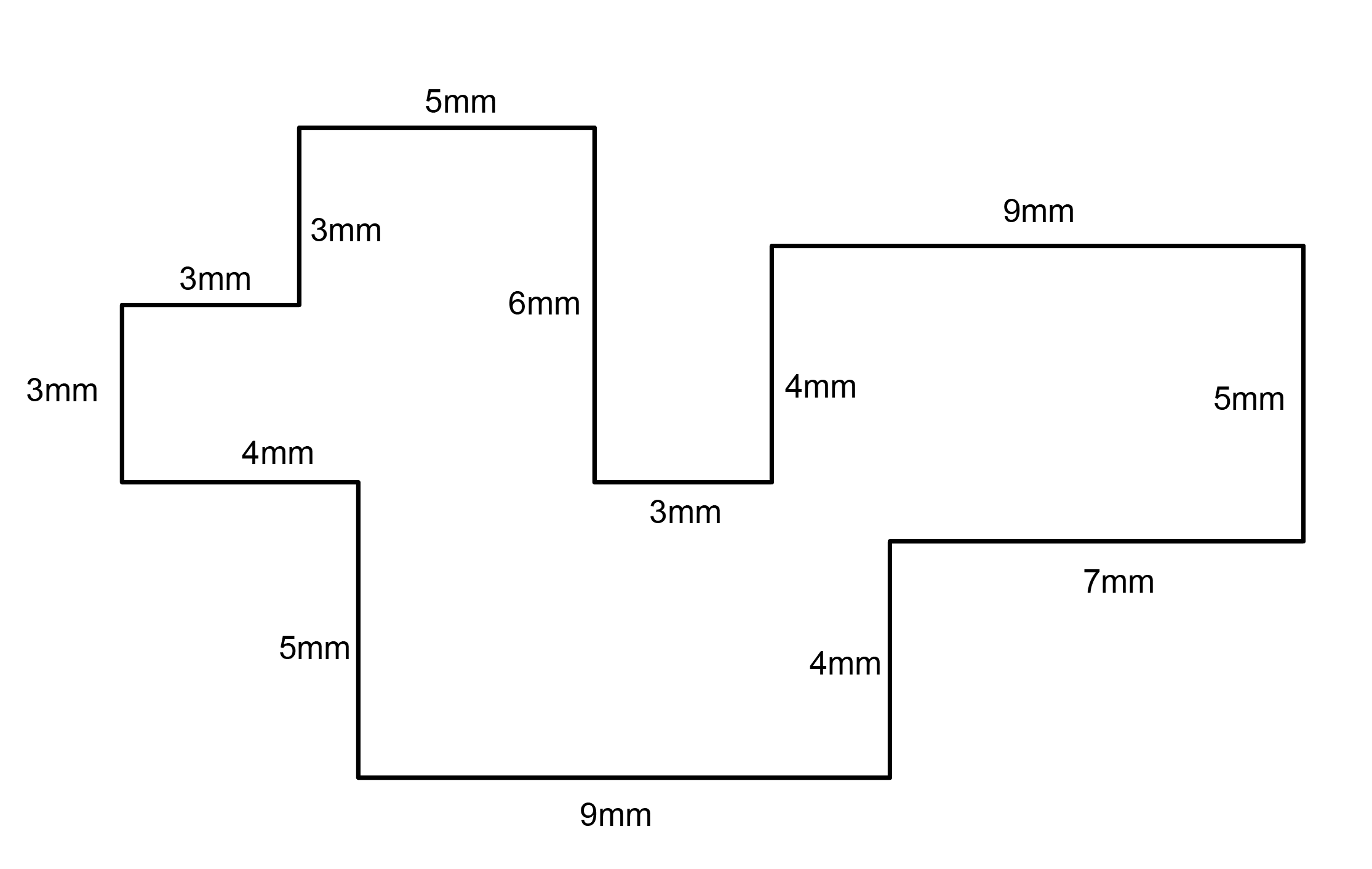
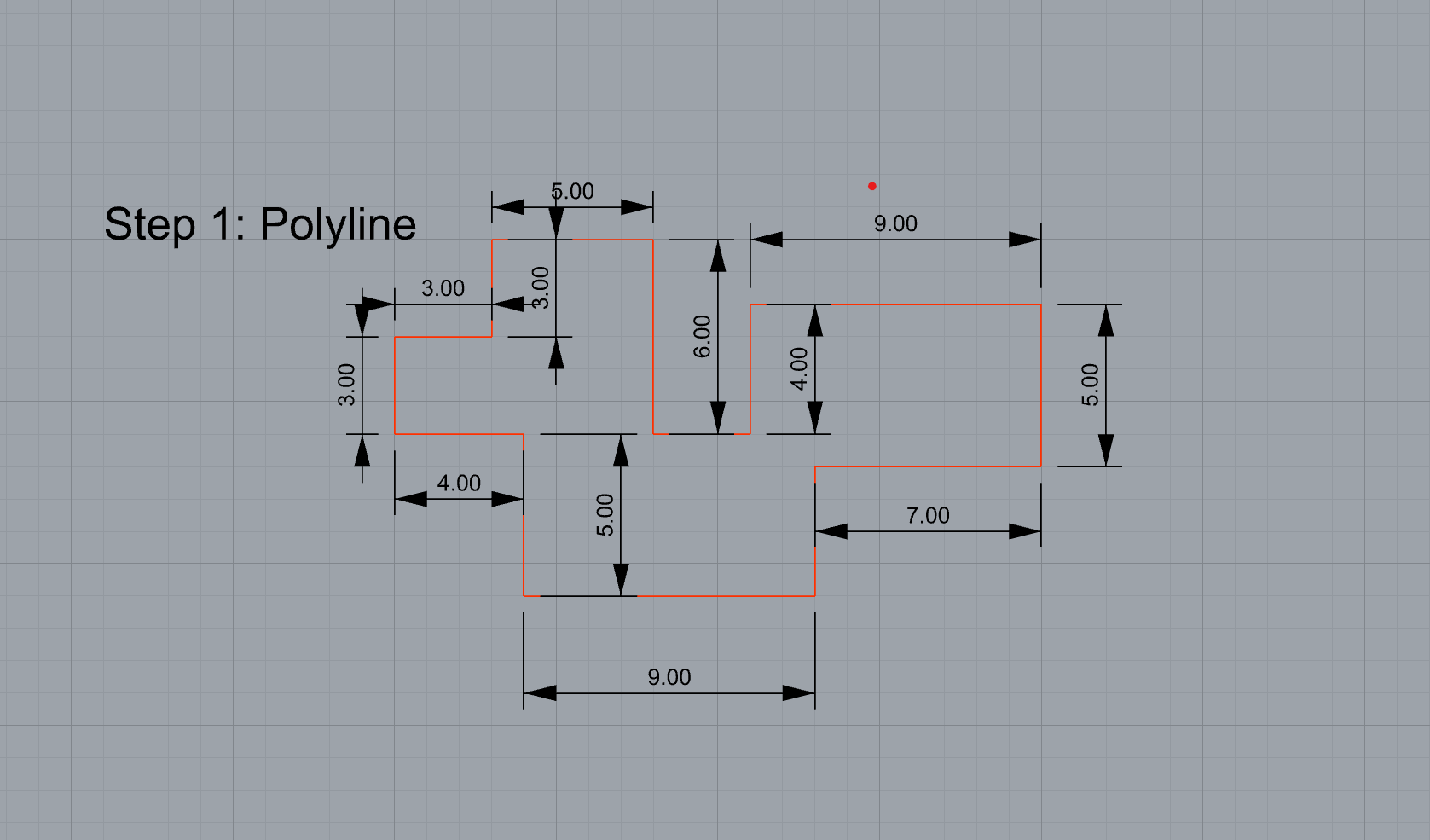
- Commands: Polyline
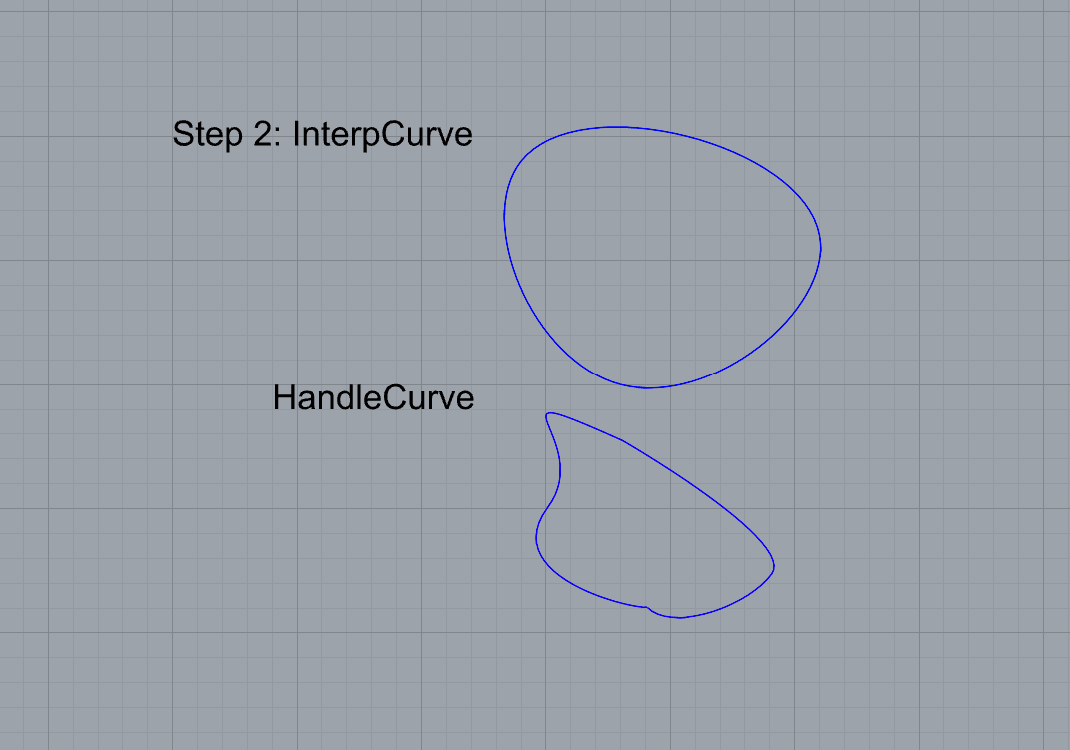
- Make 2 closed rounded curves using the various curve commands.
- Commands: Curve, InterpCurve, HandleCurve
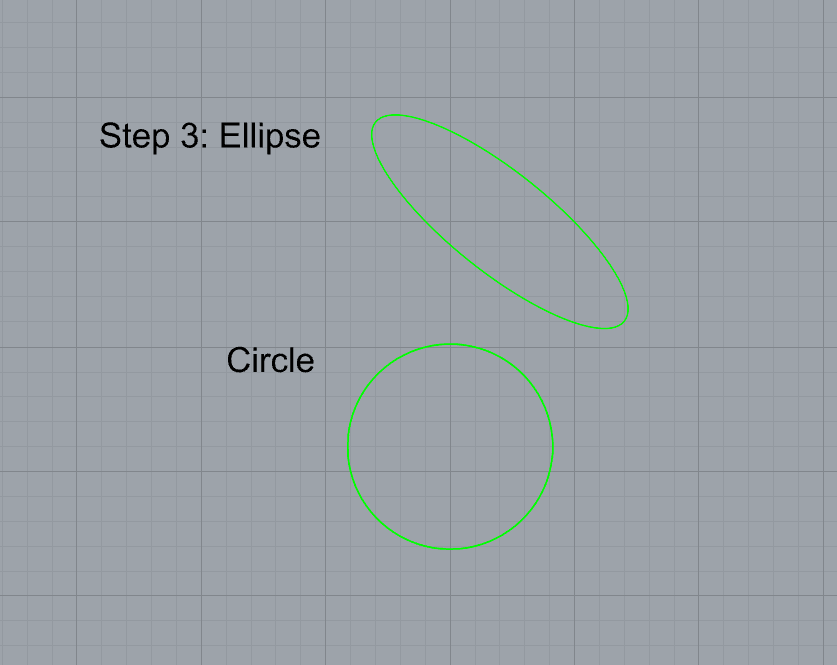
- Make 2 closed curves using polygon, ellipse, or circle
- Commands: Circle, Ellipse, Polygon
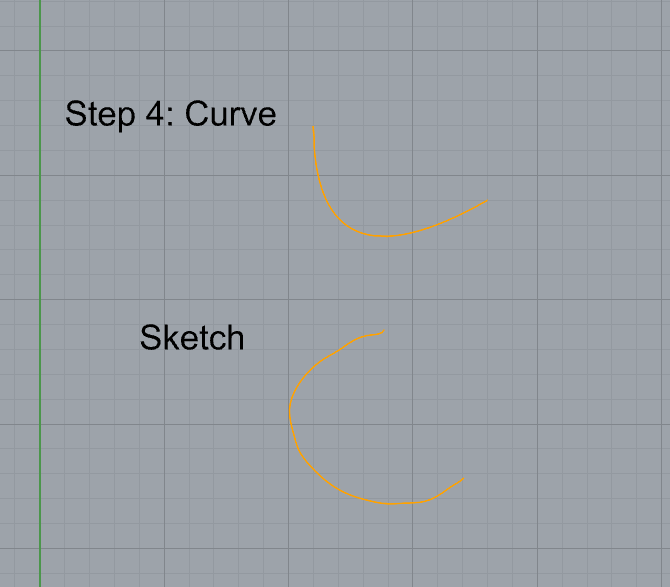
- Make 2 open curves
- Commands: Curve, InterpCurve, HandleCurve, Sketch
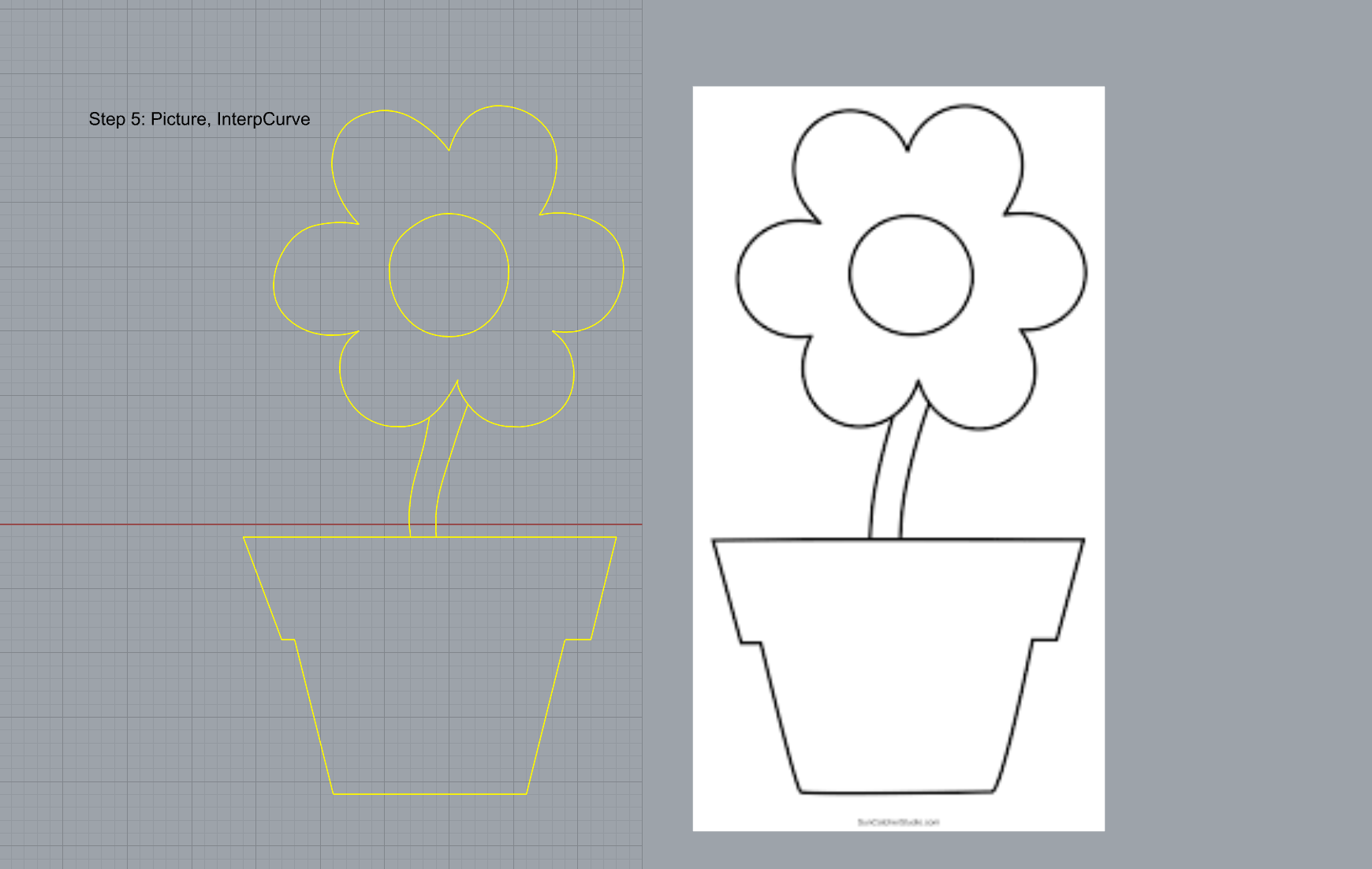
- Import a picture and trace an image
- Commands: Picture, InterpCurve
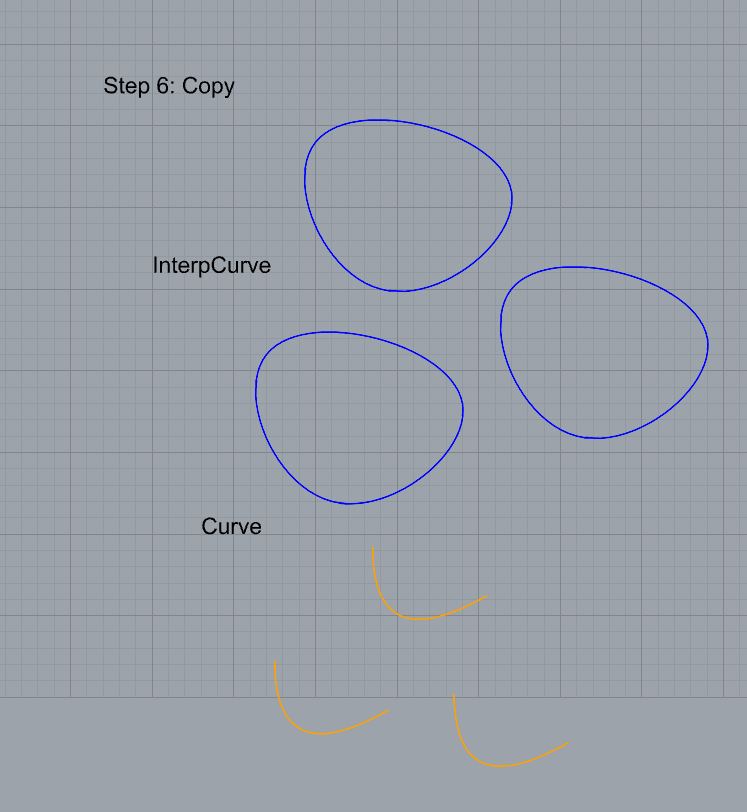
- Pick one open curve, and one closed rounded curve and make three copies of each.
- Commands: Copy
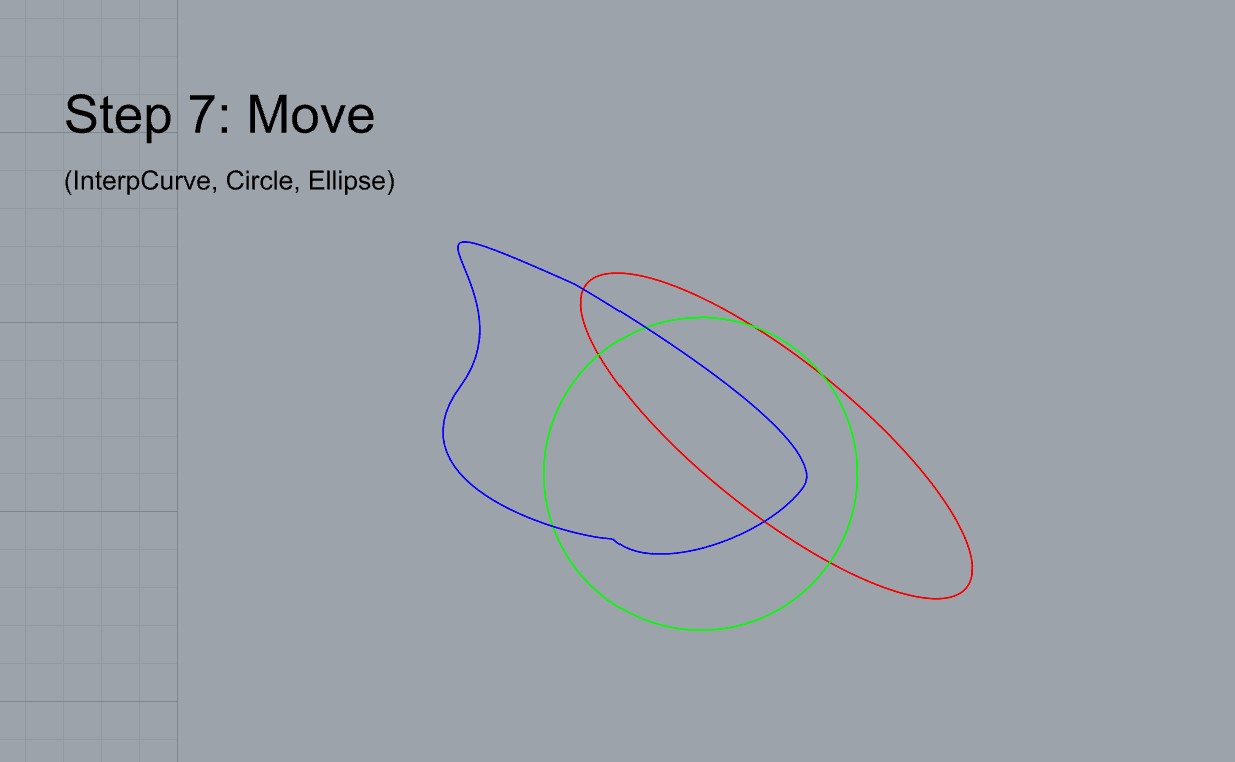
- Take at least 3 of your closed curves and overlap them to create a new shape
- Commands: Move
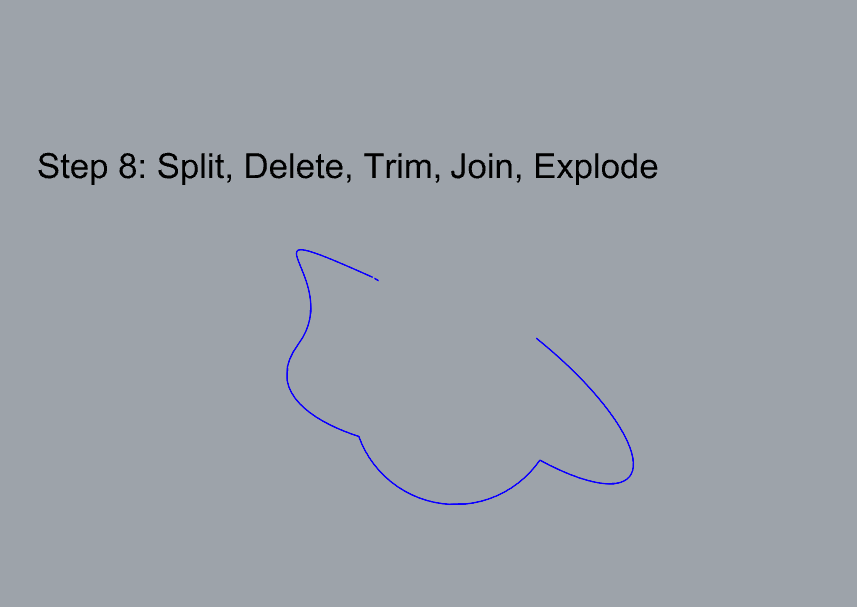
- Use split, delete, and trim to combine these curves into one open curve
- Commands: Split, Delete, Trim, Join, Explode
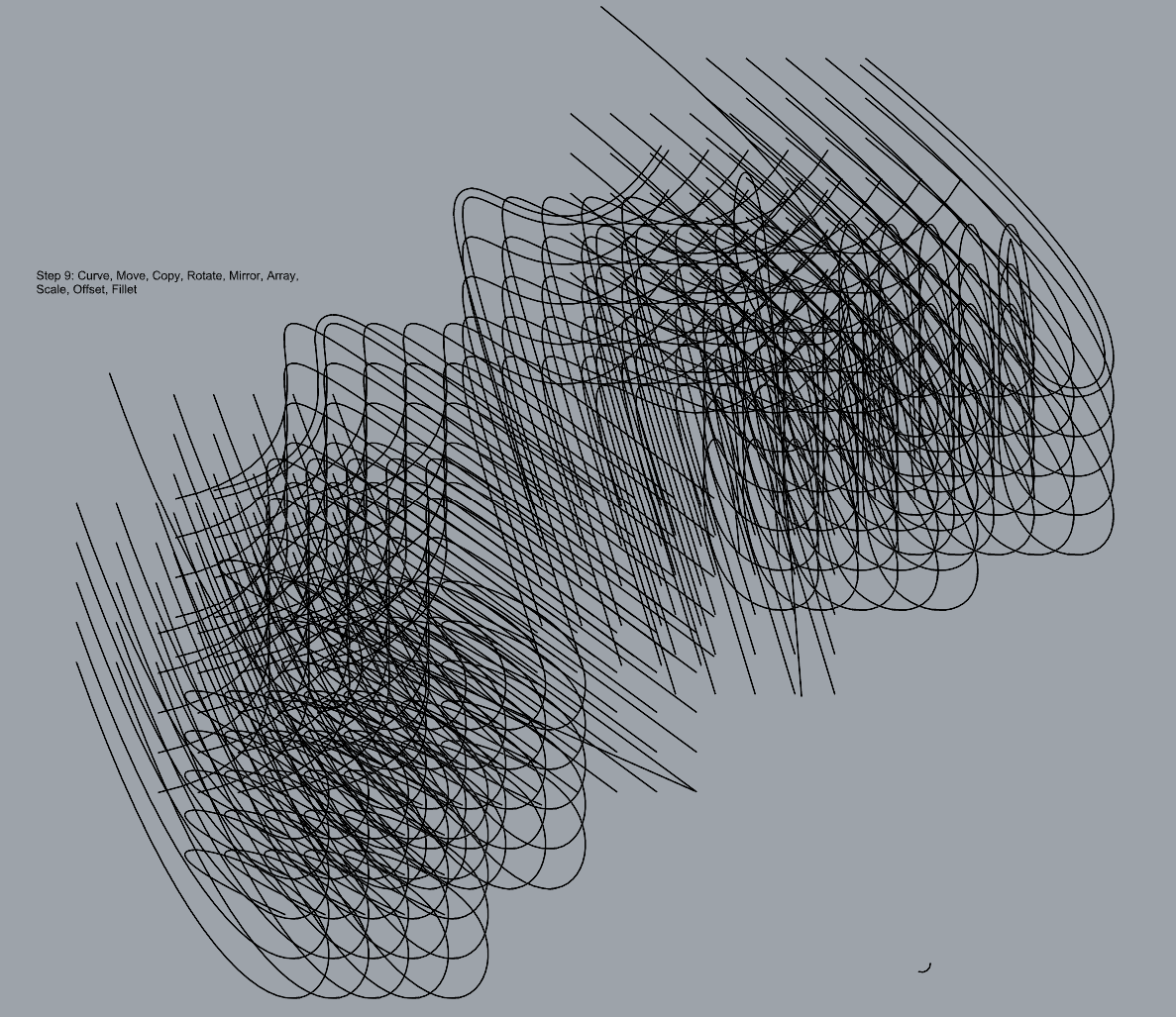
- Take at least two curves and use various transformations make a pattern or composition.
- Commands: Move, Copy, Rotate, Mirror, Array, Scale, Offset, Fillet, FilletCorners
- Organize your Rhino file so each step is clear. Use the Text command to label each step and the commands you used. Add a link to your FirstnameLastname_Curves file at this point in your post.
Part 2: Surfaces
Open a new Rhino File and practice the surfaces commands below by making two different surfaces for each command. Organize your Rhino file so each step is clear. You may want to use some of the curves you modeled in Part 1. Use the Text command to label each step and the commands you used.
- Plane
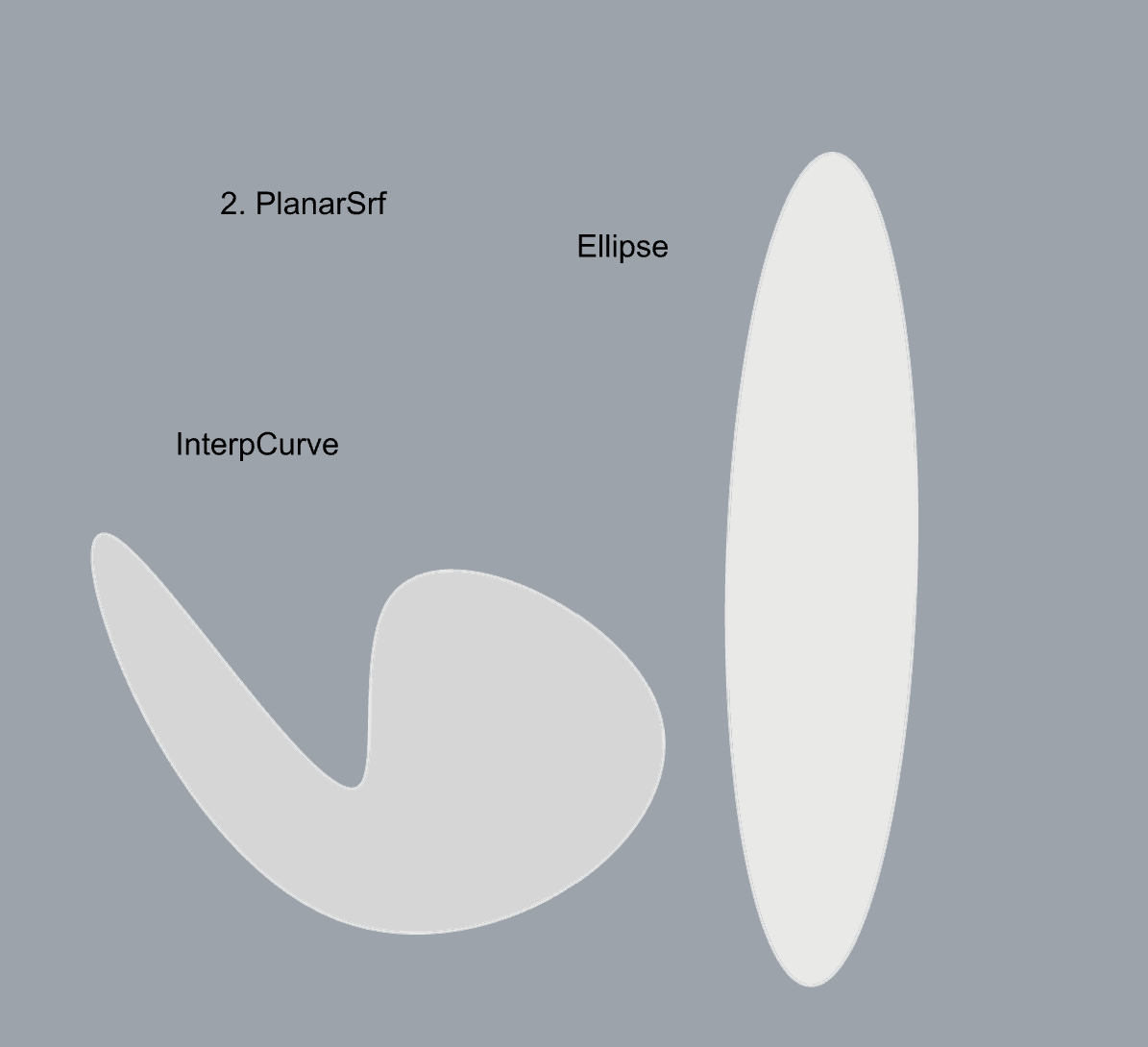
- PlanarSrf
- EdgeSrf
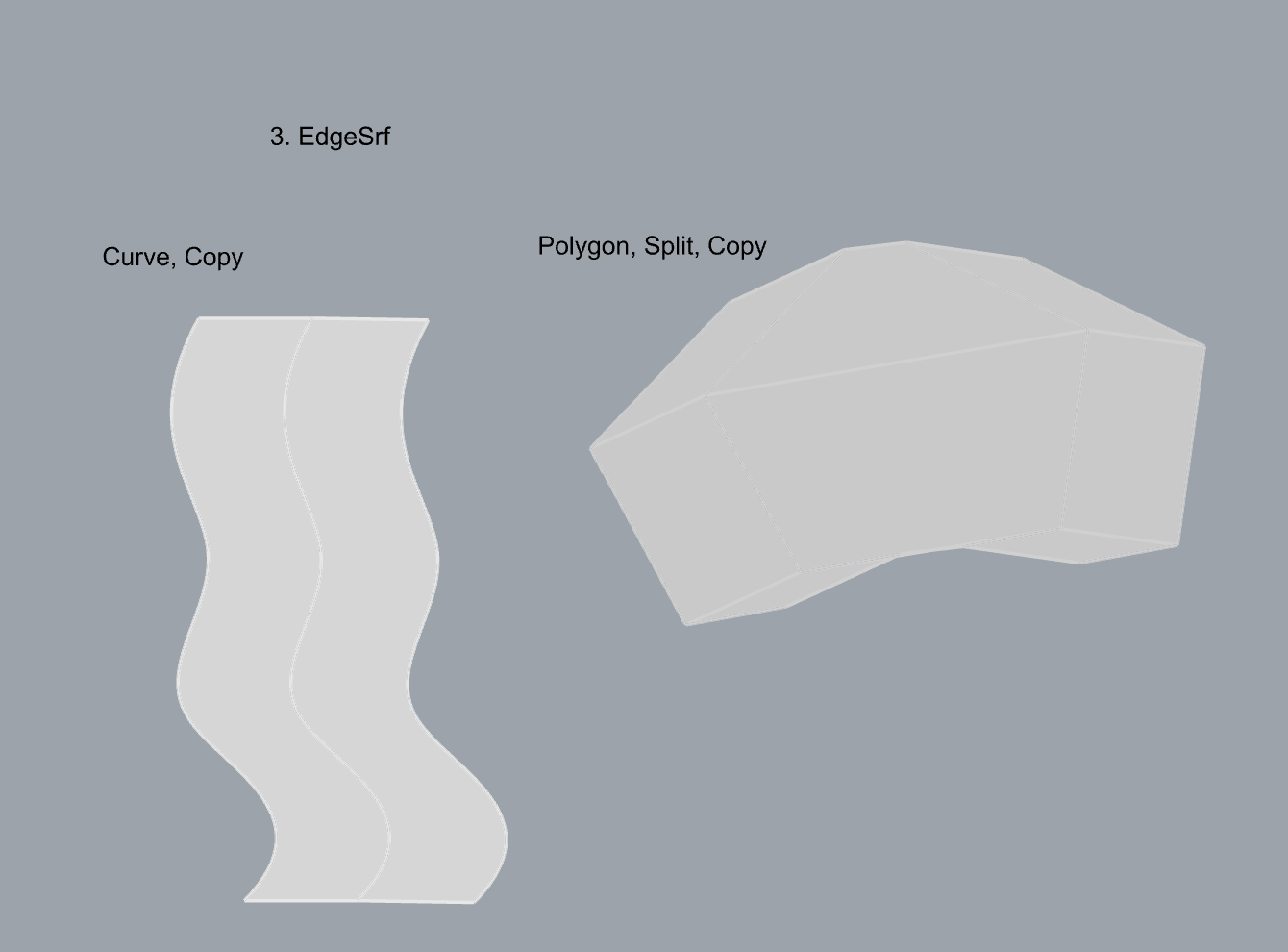
- ExtrudeCrv
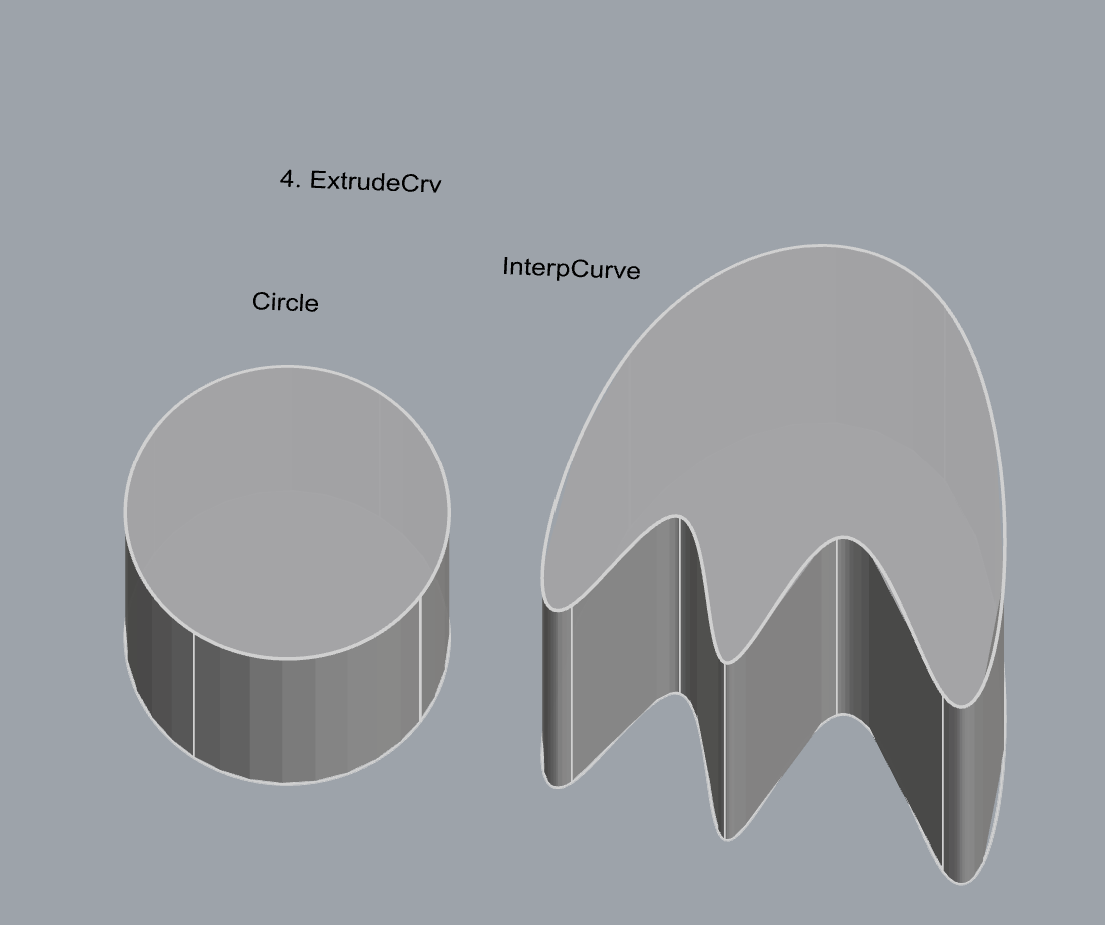
- ExtrudeCrvAlongCrv
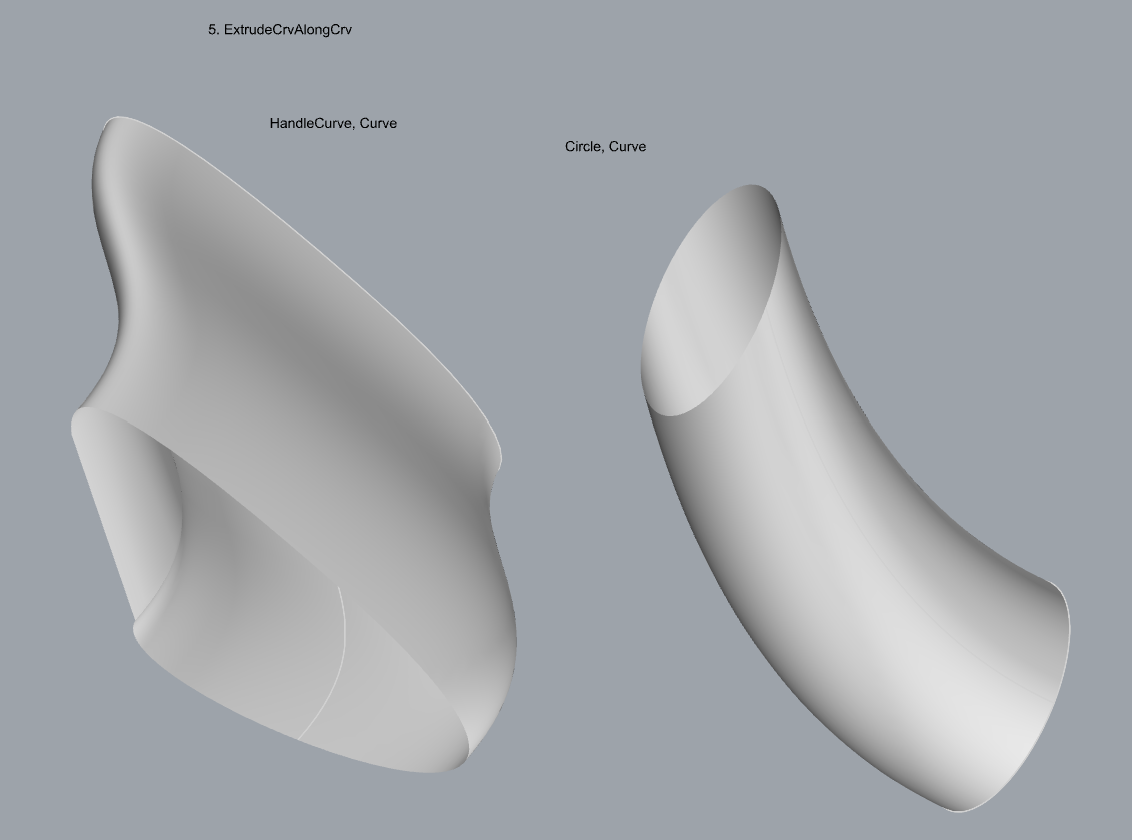
- Loft
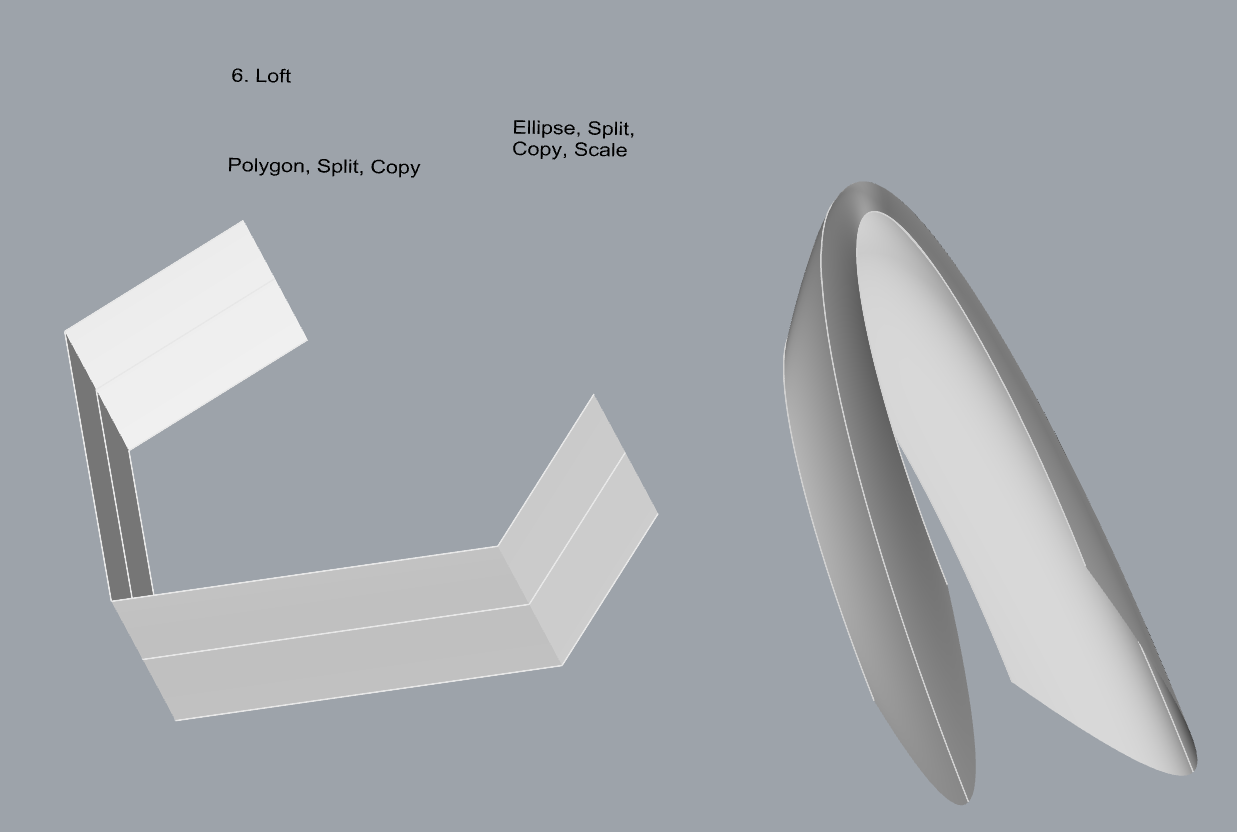
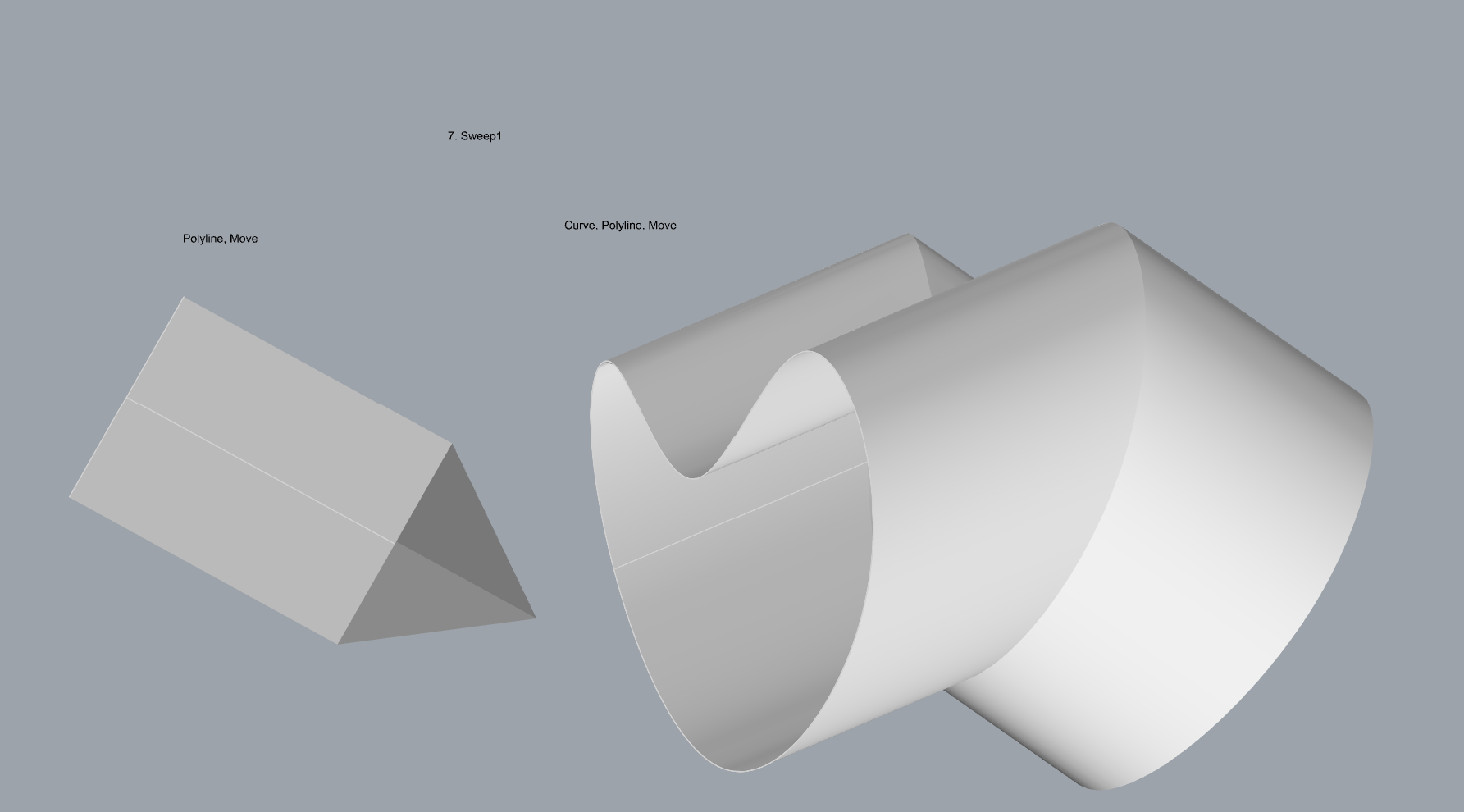
- Sweep1
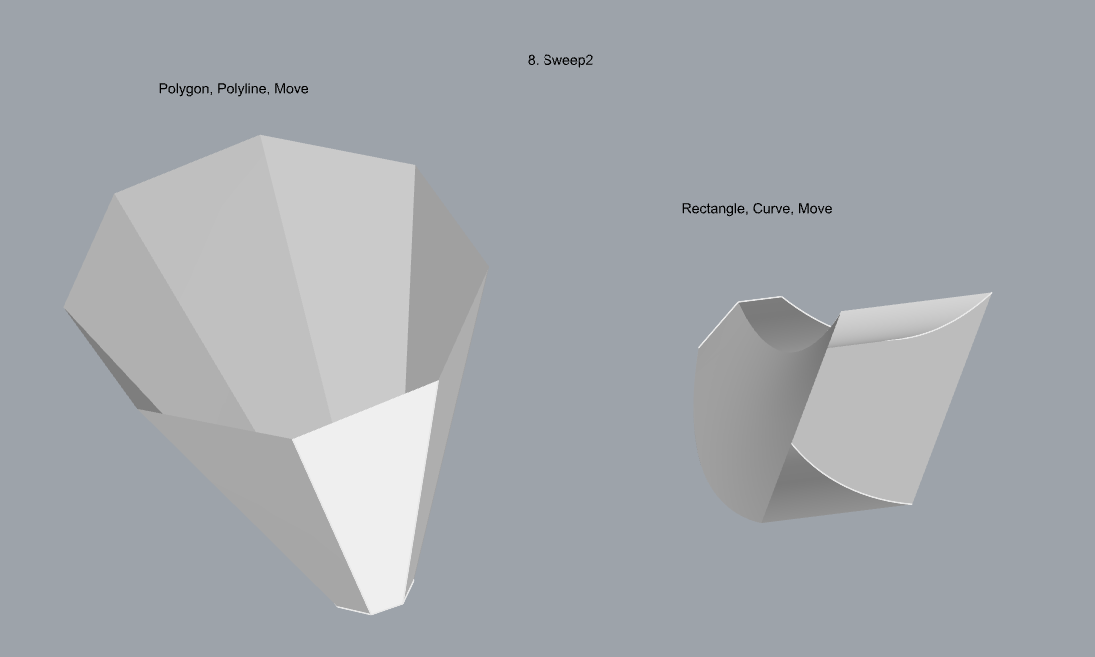
- Sweep2
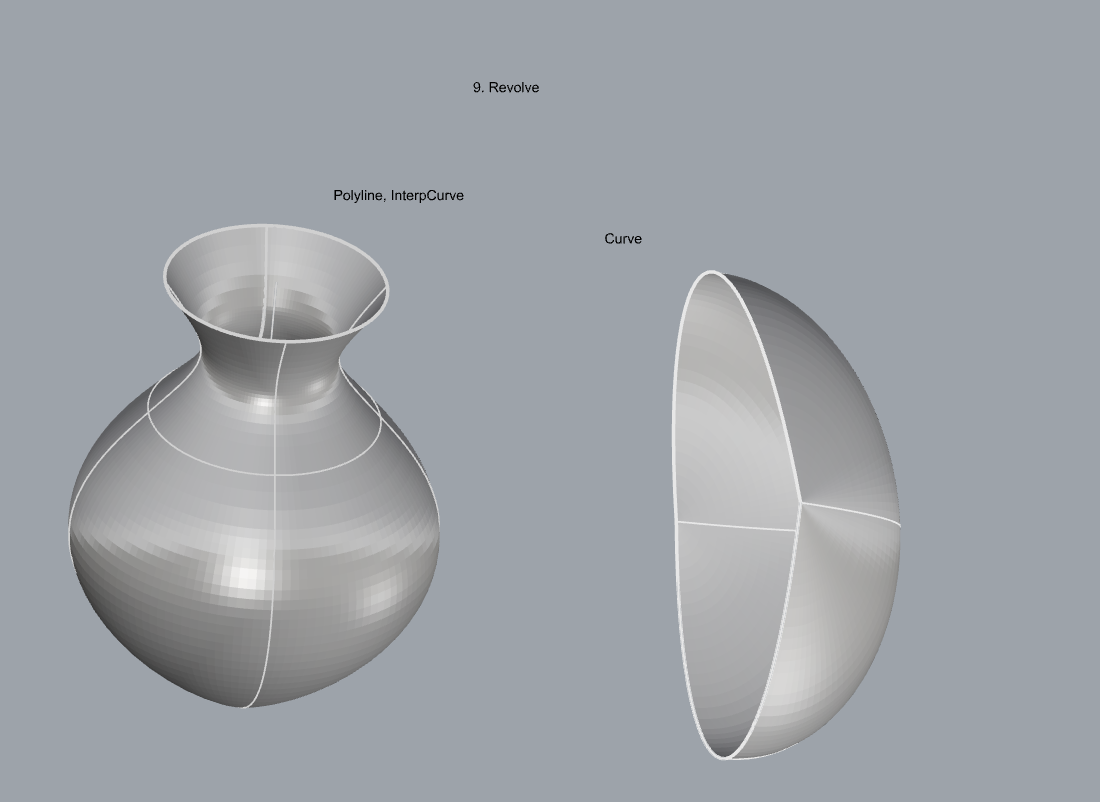
- Revolve
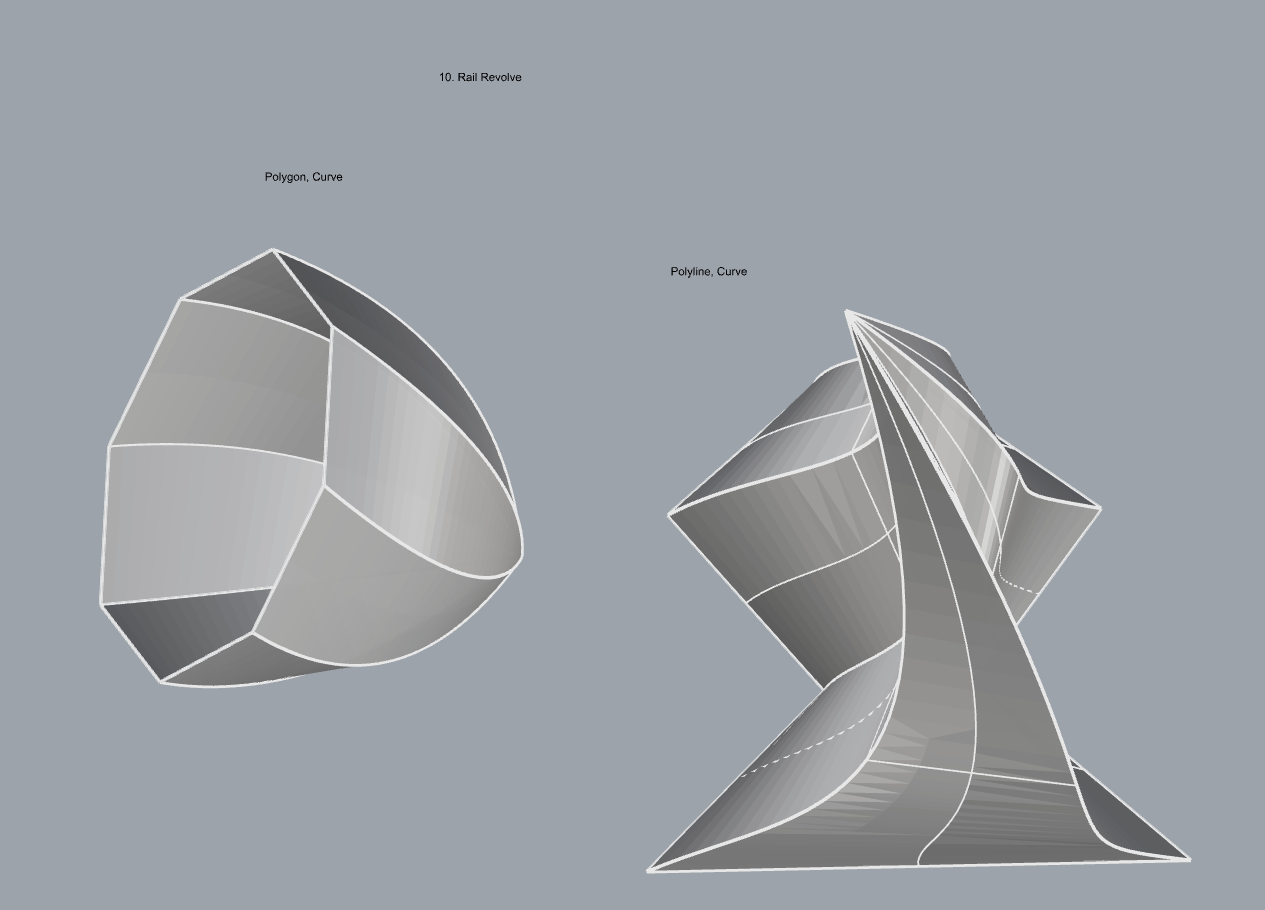
- RailRevolve
- Add a link to your FirstnameLastname_Surfaces file at this point in your post.
Part 3: Solids
Open a new Rhino File and practice the solids commands below by making two different solids for each command. You may want to use some of the curves and surfaces you modeled in Parts 1 and 2. Organize your Rhino file so each step is clear. Use the Text command to label each step and the commands you used.
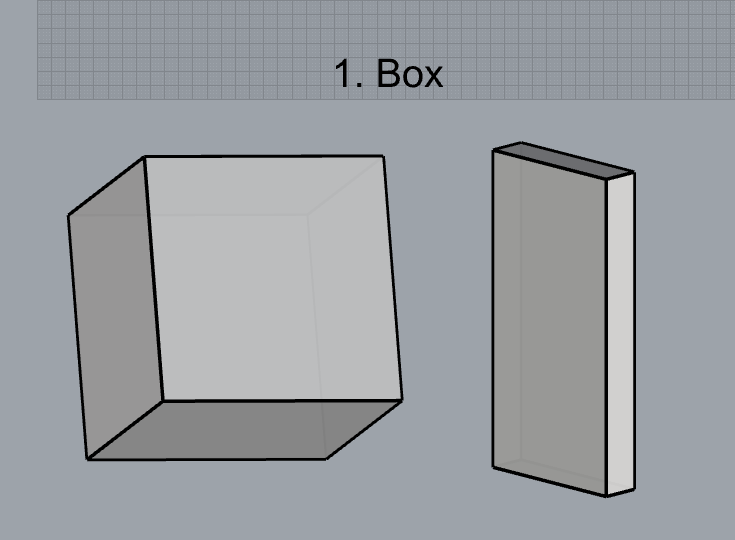
- Box
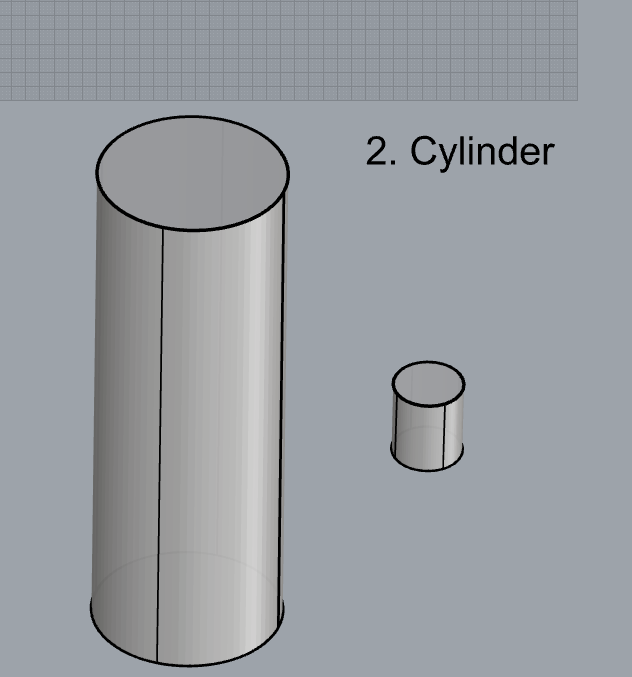
- Cylinder
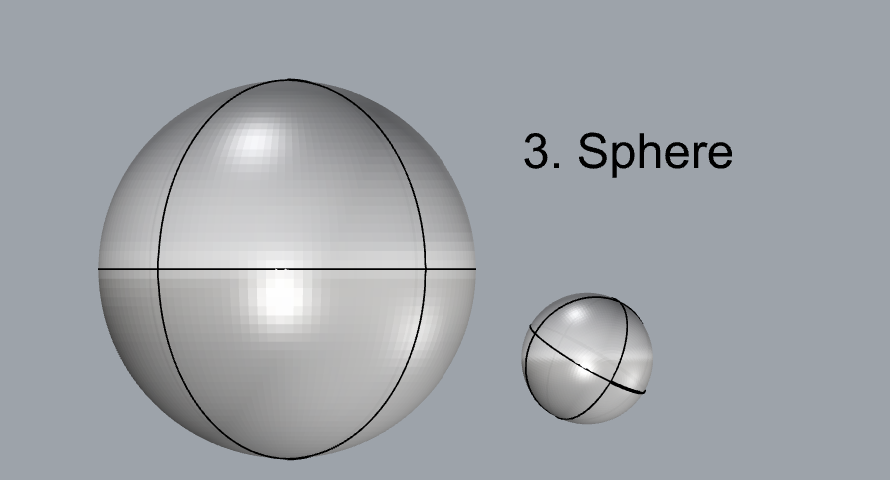
- Sphere
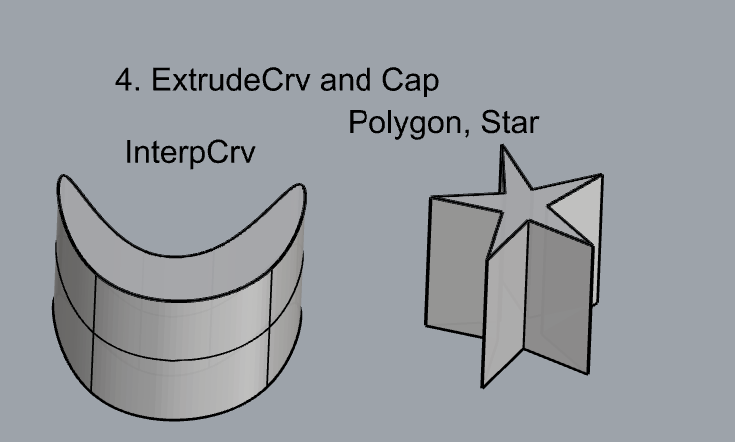
- ExtrudeCrv and Cap
- Pipe
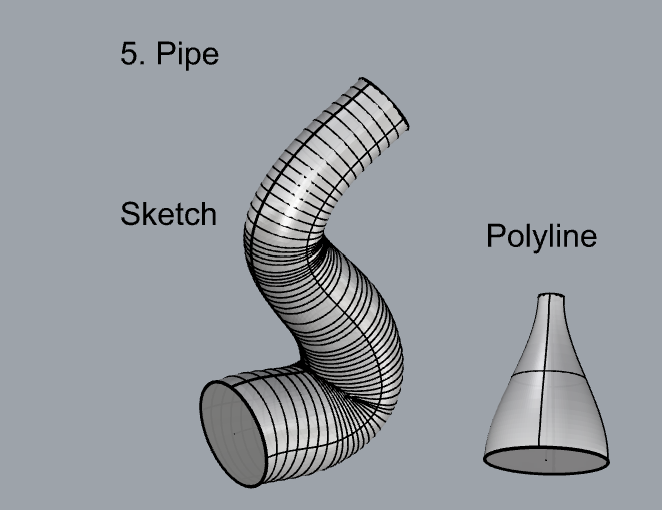
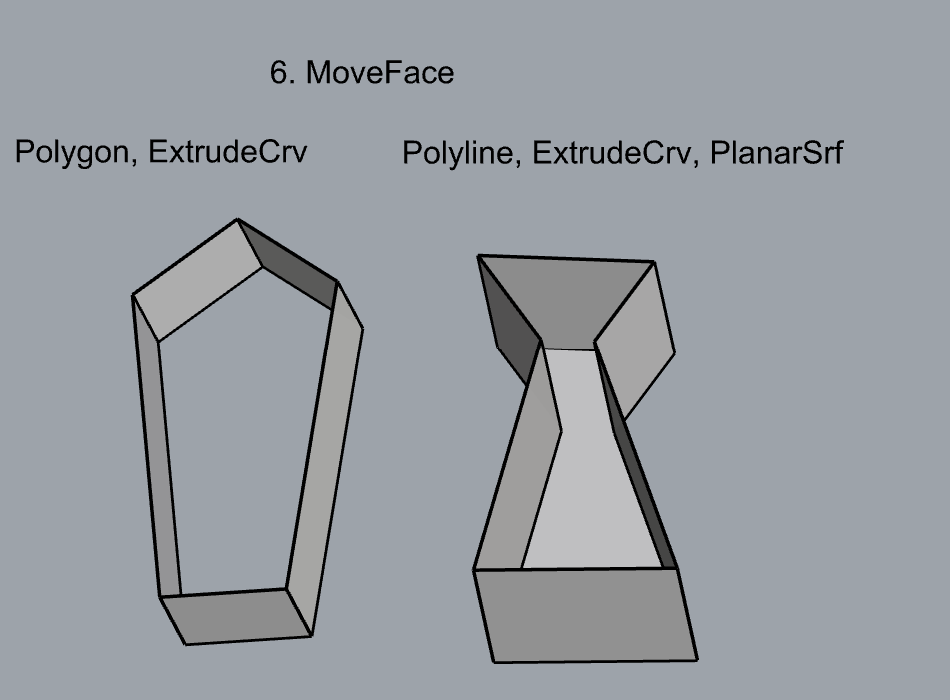
- MoveFace
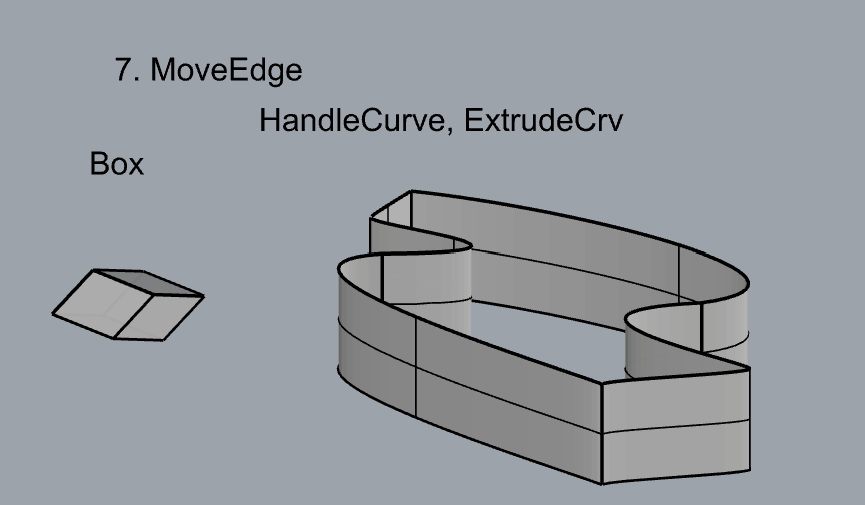
- MoveEdge
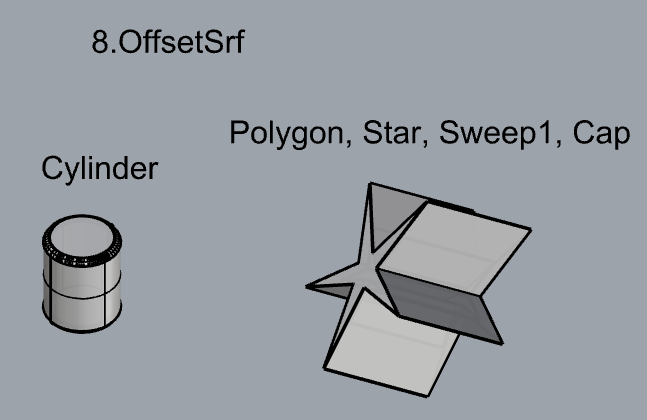
- OffsetSrf
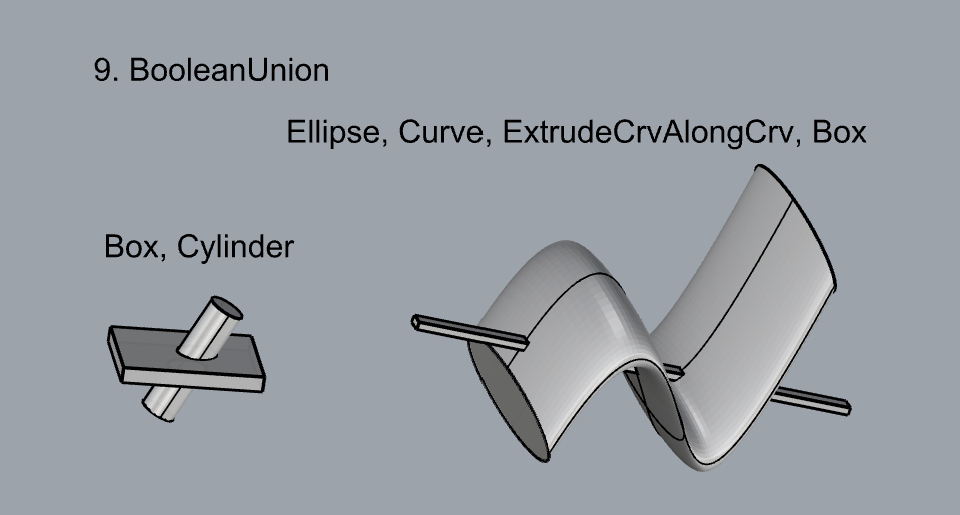
- BooleanUnion
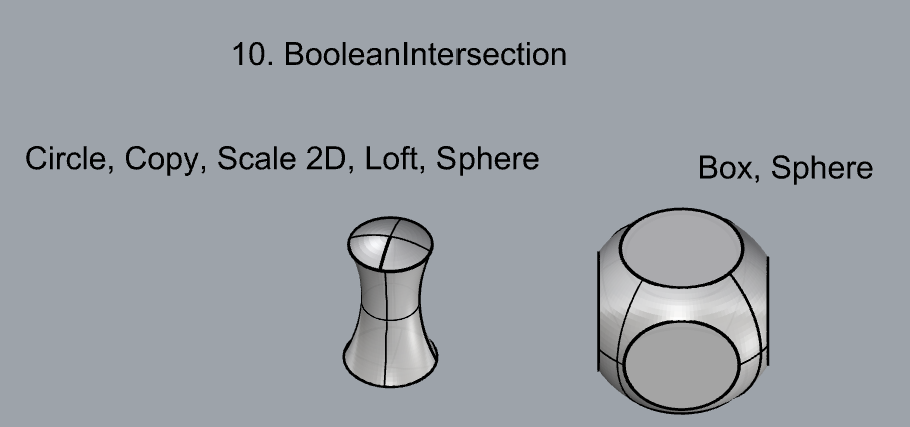
- BooleanDifference
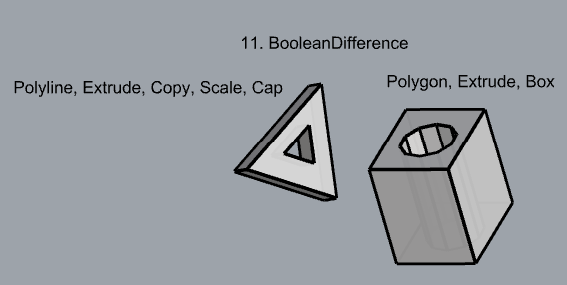
- Boolean Intersection
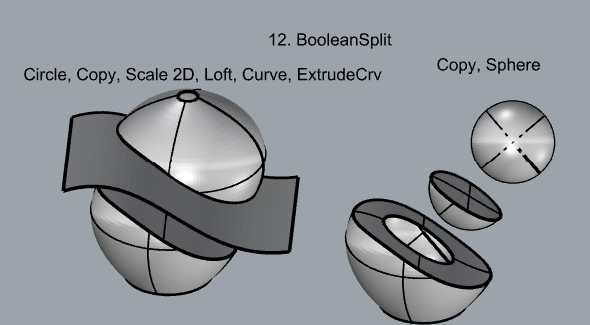
- BooleanSplit
- Using the surfaces and solids you modeled and the Boolean tools, make three solid shapes you find interesting.
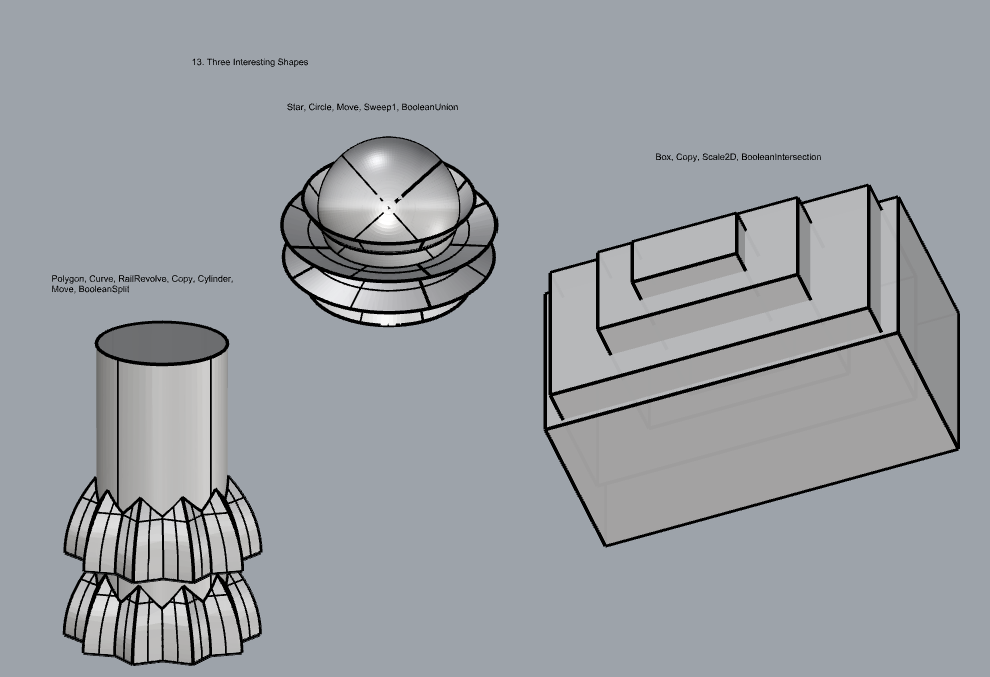
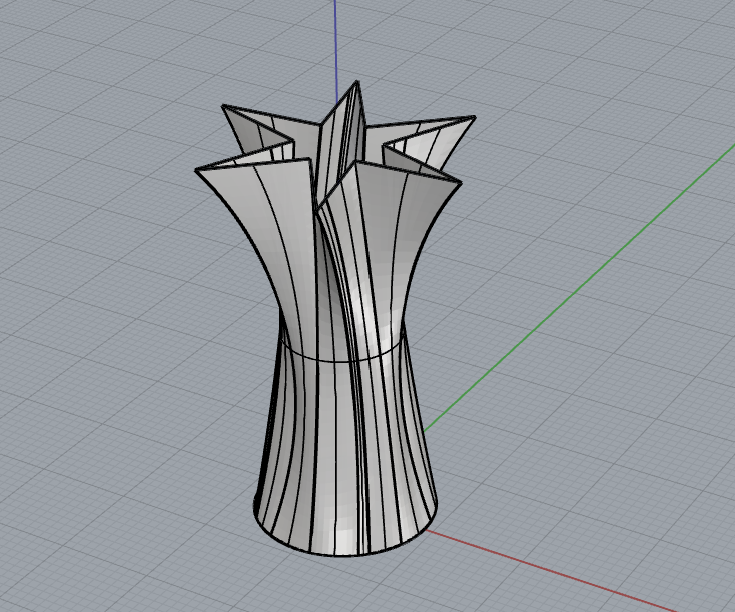
- Add a link to your FirstnameLastname_Solids file at this point in your post.
Part 4: 3D Printing
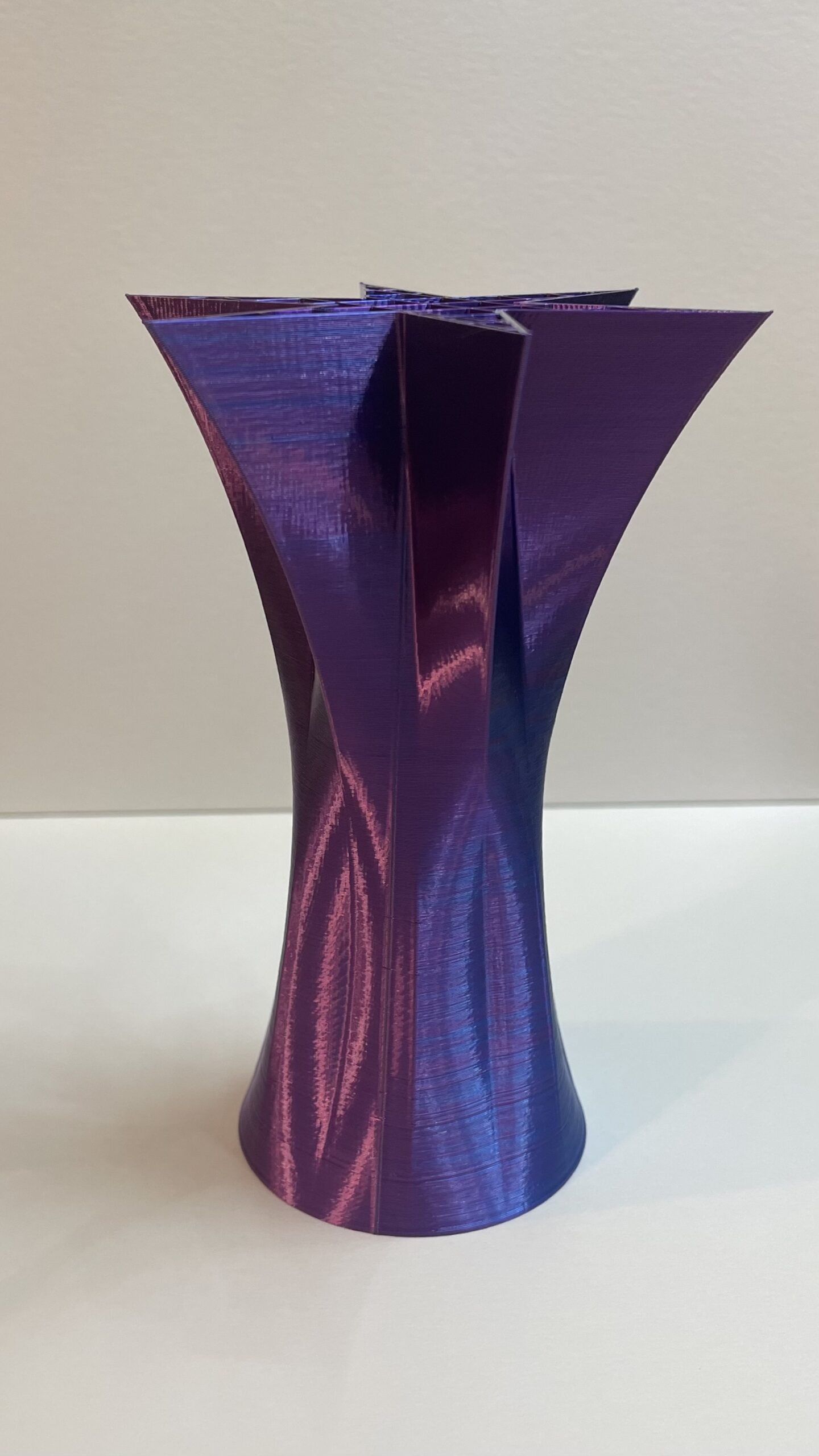
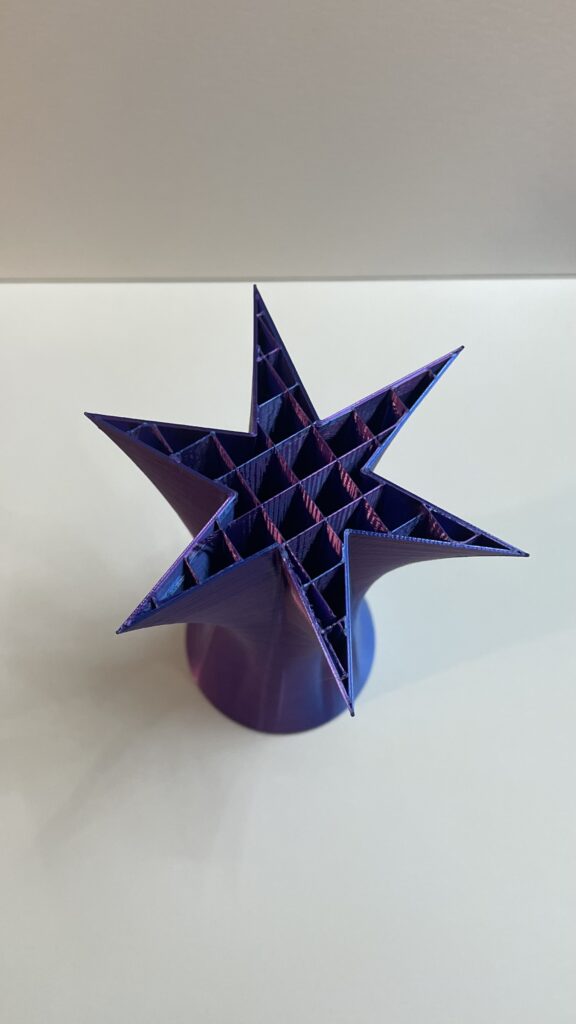
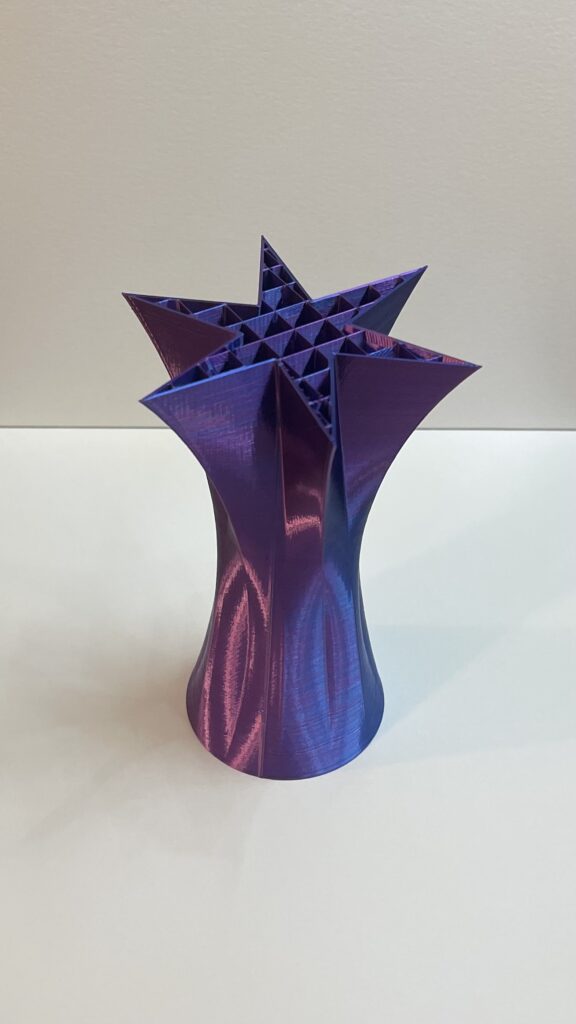
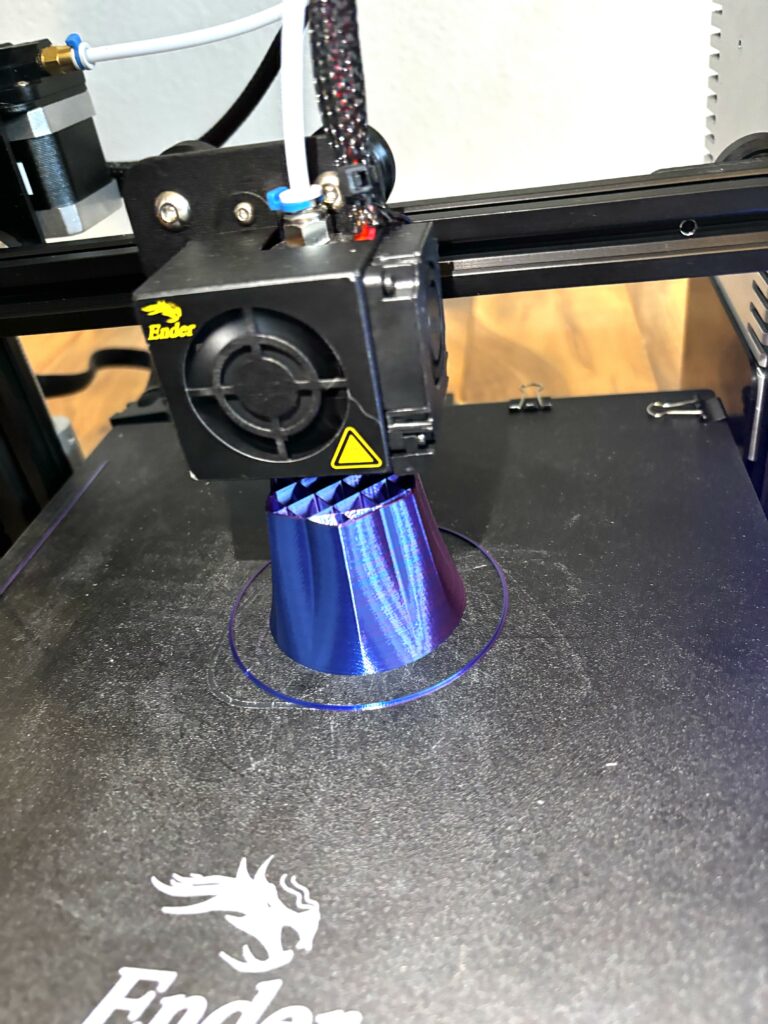
I chose to print a vase-like structure with a star-shaped opening. The object itself was created using the Circle, Copy, Scale 2D, Polygon-Star, PlanarSrf, and Loft commands. As for the print process, my object was scaled to about 82x76x119 mm in Cura, with 10% infill density and a grid infill pattern, and took about 4 hours and 21 minutes to print. Surprisingly, the only problem I experienced was at the very beginning of my print. The leveling wasn’t quite right which kept the filament from sticking as it was extruding. Fortunately, it was something I caught early on and only required a quick re-leveling to fix.
Hello Desiree,
I really enjoyed looking through the solids and surfaces you created. There were some really interesting shapes you created. A lot of the ones I created were on accident. The ones you made actually look intentional and well thought out. Especially your print, super cool shape and the surface you placed on it looks tough. I think I should use PlanarSrf more often. Also, great filament color! Looking forward to what you create next.
Justin
Hey Desiree, I really like the shape you created, especially how you expanded the star polygon into a 3 dimensional vase like shape. Do you have tips or recommendations on how to keep a really good symmetrical balance in your compositions? This is something I am personally trying to get better at.
Hey Desiree, I also enjoyed how recognizable many of your solids and shapes were. Your final print looks wonderful. I’m glad to hear your bed leveling hasn’t been causing you too many issues!
Hey Desiree, really nice work! Echoing what other folks have commented, your shapes are very clean and intentional- I can see the effort and care you put into this work. Your shape is really beautiful, the filament color really makes the shape look like a cool metallic vase of some sort. With the filling style you could probably use it as a vase!
I just had to comment and say this is probably the most visually striking print here! Super cool.